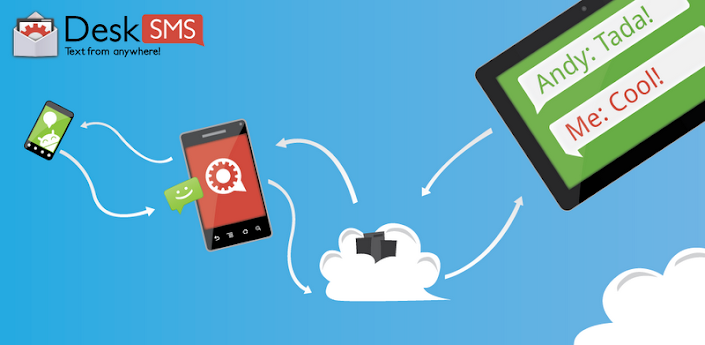
 Sebelumnya kita pasti merasa ribet bila terlalu banyak gadget seperti Smartphone, tablet, ipod dan ipad, atau juga kita sedang jauh dari HP dan menerima SMS tapi kita tidak tahu.
Untuk lebih jauhnya begini cara kerjanya: 
- Download dan Install aplikasi DeskSMS.
- Bisa Kirim sms via (Gmail, Gtalk, or browser!).
- Bisa Forward sms dari PC,Notebook, Tablet dan lain2.
Lebih jelasnya lagi cek DeskSMS
Berikut Informasi di Google Play:
Description
Step 2) Install a chat client or use gmail on your desktop PC or tablet (like a XOOM)
Step 3) Have a friend send you an SMS, and respond from your desktop PC or tablet!
View your conversations on the DeskSMS Website:
https://desksms.appspot.com/
DeskSMS Chrome Extension:
https://chrome.google.com/webstore/detail/nmgcfdmgcfldfkehdgoancleciikdlnf
DeskSMS Firefox Extension:
https://addons.mozilla.org/en-US/firefox/addon/desksms/
DeskSMS Tablet Extension:
https://play.google.com/store/apps/details?id=com.koushikdutta.tabletsms
Tips:
We recommend using Gmail filters to keep your inbox organized!
Use the DeskSMS widget to quickly toggle which notifications you get!
Troubleshooting:
For incoming Google Talk messages, remember to approve the contact fromnumber@desksms.appspotchat.com!
Not getting your message on your computer? Try logging in again. Verify that your default SMS app is enabled.
Phone not syncing? Try relogging back into the DeskSMS android application.
Issues? Email koush@clockworkmod.com